Solutions
LW RF Studio simulates the antenna printed on your board, so you can fix it before the first prototype. This is how it is used.
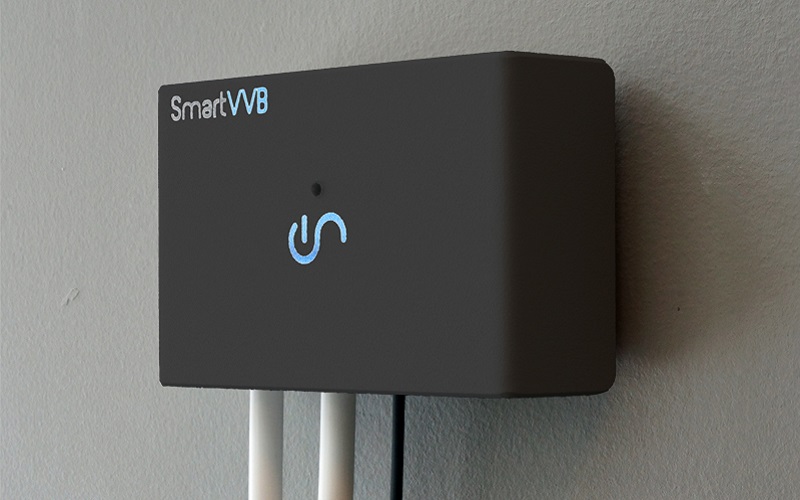
Smart home and IoT
Bluetooth, Wi-Fi and Zigbee products carry a 2.4 GHz antenna printed on the board, a few millimetres from a battery, a shield can and a plastic housing.
Reference designs assume their own board. On yours, the ground plane, the housing and the parts around the antenna move the resonance, and you find out when the first prototype fails the range test.
How LW RF Studio helps
- Import your KiCad, Eagle, Fusion 360, Altium or Gerber board, or start from a printed IFA, monopole or MIFA template.
- Simulate S11 and the radiation pattern on your real stackup, with the casing around it.
- Tune the antenna length to 2.45 GHz, then build the matching network with parts from the Würth kits.
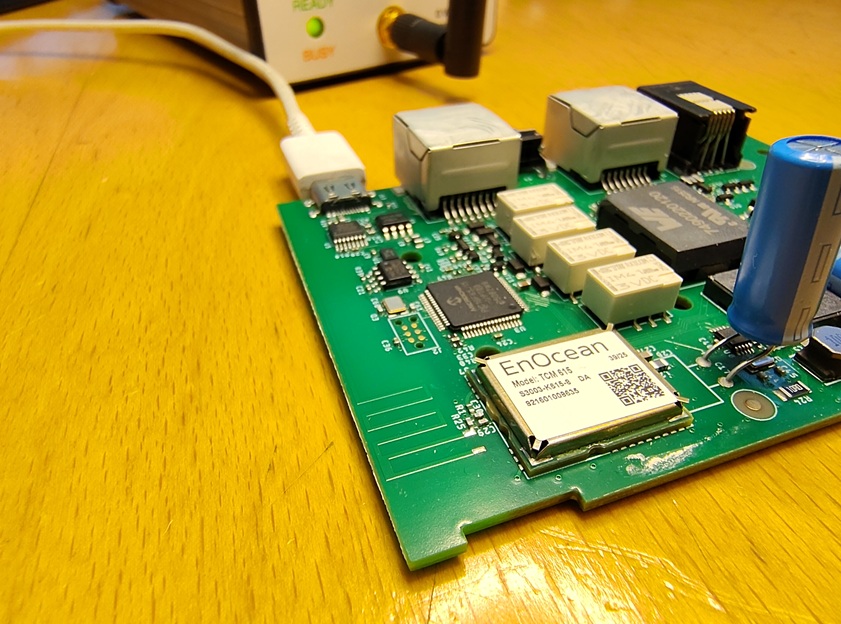
Long-range sensors and remote monitoring
LoRa and other sub-GHz radios at 868 / 915 MHz, where the board itself is part of the antenna.
At 868 MHz a quarter wavelength is about 86 mm in air, so the antenna is folded and the ground plane carries as much current as the antenna. Small changes to the board change the result.
How LW RF Studio helps
- Simulate the complete product board, not only the antenna, and see where the current flows on the copper.
- Start from the meandered monopole and the CC-Antenna-DK templates.
- Add a matching network in the Matching tab when the resistance is low, as it often is for short sub-GHz antennas.
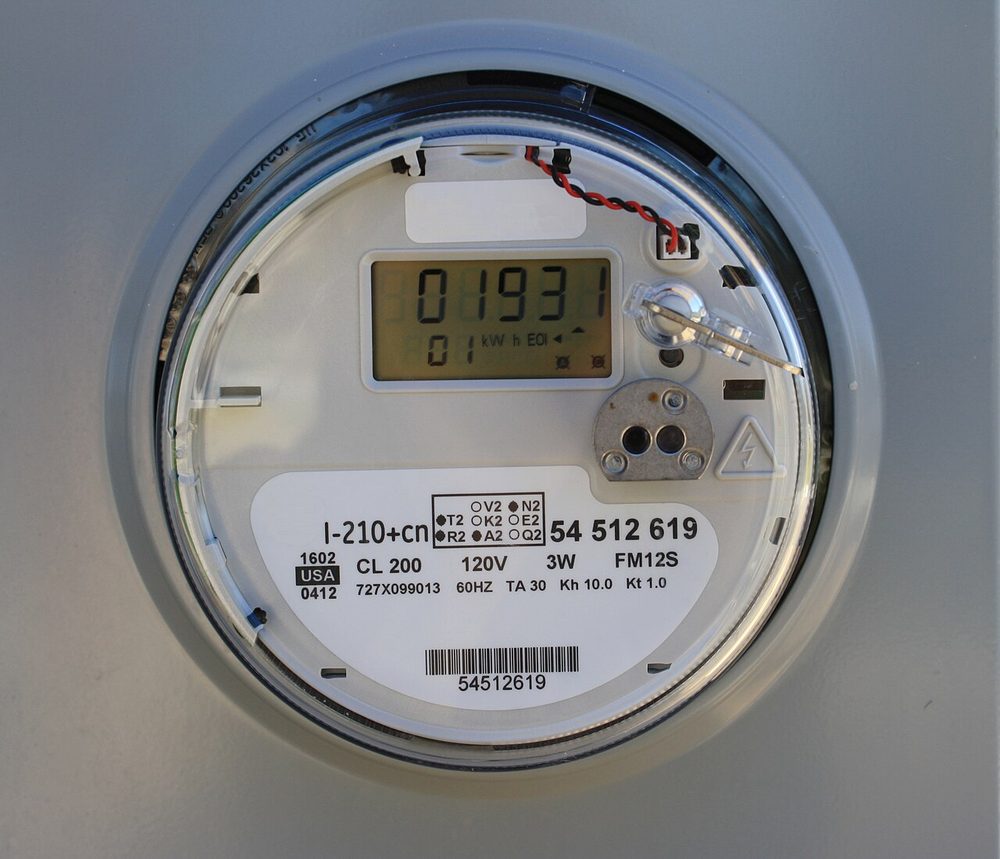
Smart metering and utilities
Meters and sensors sit in plastic or metal enclosures and must reach a gateway reliably.
The enclosure, the terminal blocks and the metal parts around the radio change the antenna, and the housing is usually fixed late.
How LW RF Studio helps
- Add the plastic casing and the metal parts as volumes and see what they do to the resonance and the efficiency.
- Compare housing variants before the tooling is made.
- Compare the simulation with a VNA measurement from an
.s1pfile on the same plot.
Wearables and trackers
Small boards, small batteries, and an antenna with almost no ground plane.
With a few square centimetres of copper, the battery and the case sit right next to the antenna, and every mechanical change shifts it.
How LW RF Studio helps
- Simulate the board with the battery and the plastic casing as volumes.
- Check the efficiency and the pattern, and re-tune after each mechanical change.
- Export the antenna as a KiCad, Eagle or Altium footprint, with the origin at the feed.
The human body is not part of the model.
Industrial sensors and asset trackers
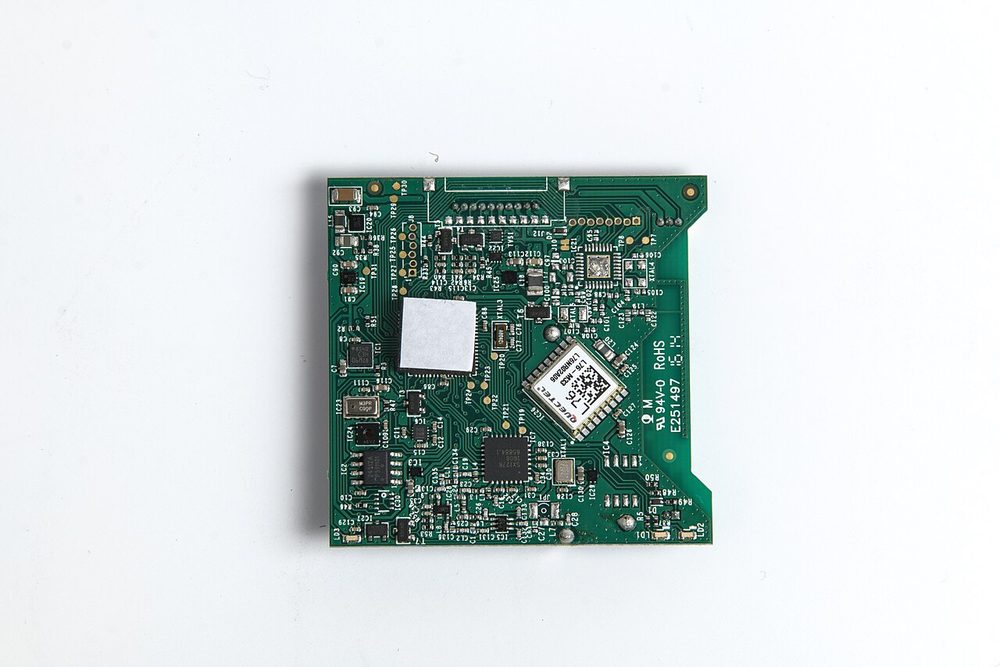
Several radios, a metal or plastic enclosure, and a different variant for every customer.
The same antenna behaves differently in each enclosure, and a prototype round for every variant costs weeks.
How LW RF Studio helps
- Run the same antenna in each enclosure variant and keep the results with the project.
- Print or save a PDF report of the S11, the impedance and the pattern for a design review.
- One licence per PC, perpetual: no subscription to keep running when the product is in production.

Drones and unmanned systems
Control and telemetry links on a light frame with a battery, a camera and motors beside the antenna.
On a small airframe the antenna shares the board and the space with the metal parts, and a null of the pattern in the wrong direction costs range.
How LW RF Studio helps
- Simulate the radio board with the metal parts and the casing around it.
- Look at the radiation pattern in three planes and in 3D before you fly.
- Tune the antenna for the link frequency, for example 868 / 915 MHz or 2.4 GHz.
LW RF Studio simulates antennas printed on a board. Wire, whip and helical antennas on the airframe are not covered.
KiCad designers and design houses
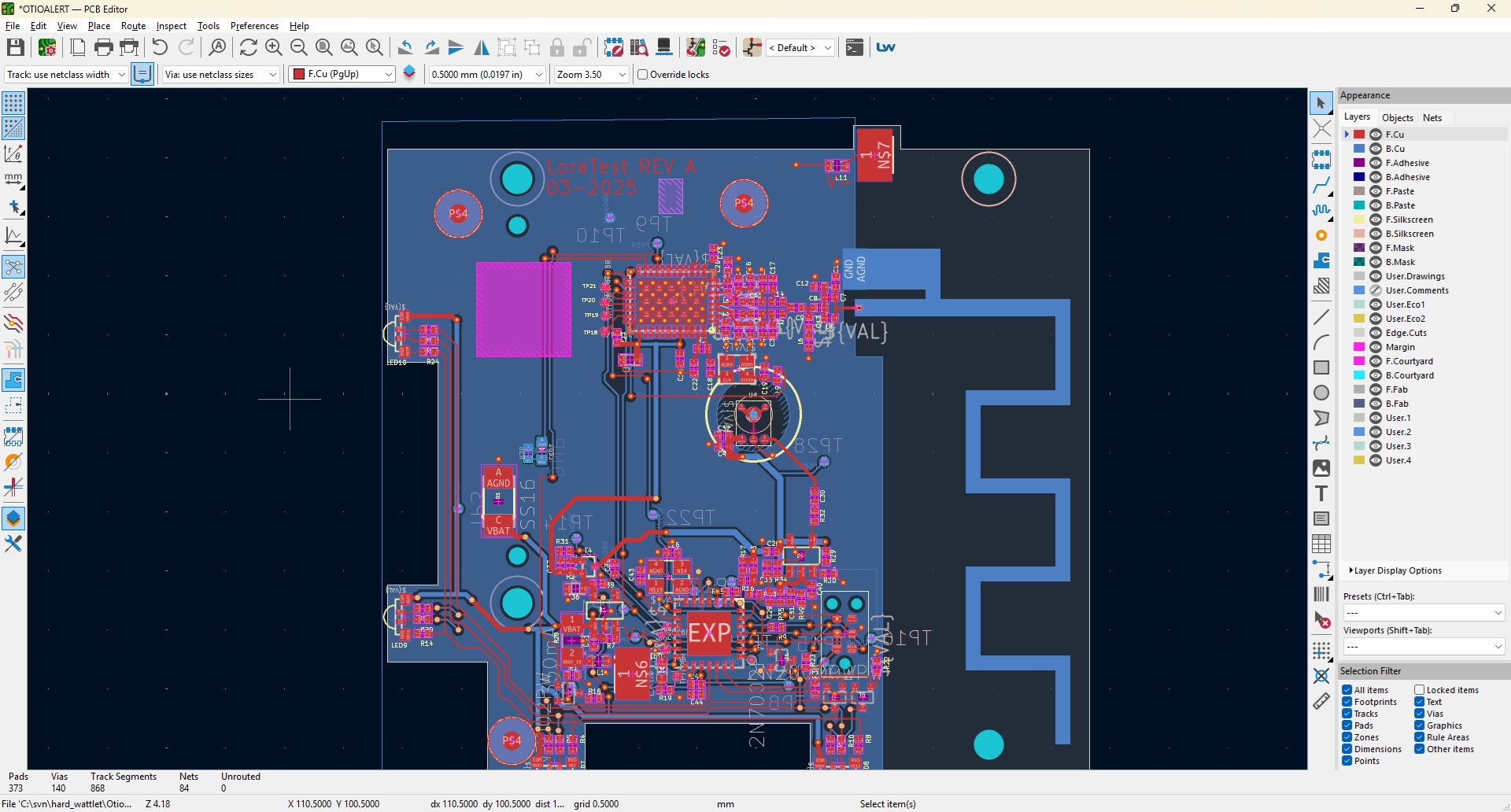
A quick answer on the antenna, without leaving the PCB editor.
The reference layout gets copied and nobody checks it on the real board. A design house needs the answer for many boards, without a subscription.
How LW RF Studio helps
- The free LW Antenna Check plugin shows the VSWR of the antenna on your open KiCad board.
- When the VSWR is poor, LW RF Studio shows why, with the impedance, the Smith chart and the current on the copper.
- Antenna footprints export back to KiCad, and a commercial licence is a one-time price.
Students, makers and radio amateurs
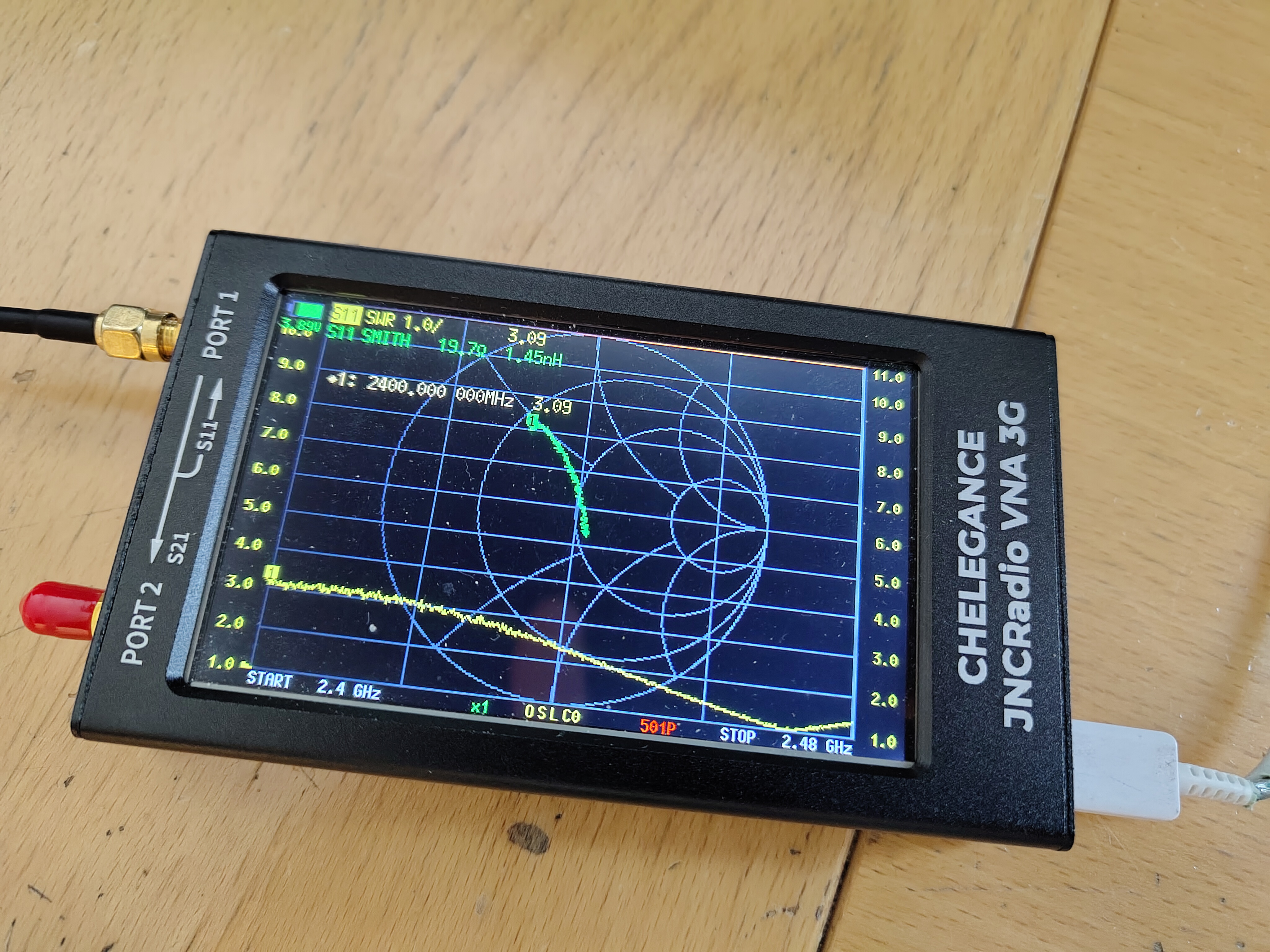
Learn why an antenna works, then check it against a measurement.
Textbooks give the theory and a VNA gives one number. Seeing the current on the copper and the pattern in 3D explains the connection.
How LW RF Studio helps
- The Student licence covers students, academics and hobbyists for non-commercial use, and every PC starts with 30 days of the full version.
- Templates from published designs (Texas Instruments, Silicon Labs) are a way to learn from layouts with known results.
- Plot a NanoVNA or other VNA file (
.s1p) on the simulated S11, and read the user manual.
Try it on your own board
Every PC starts with 30 days of the full version. A licence is a one-time price.
Download LW RF Studio See the pricesLW RF Studio is for antennas printed on a PCB. Arrays, horn and wire antennas and millimetre-wave designs are outside its scope.